
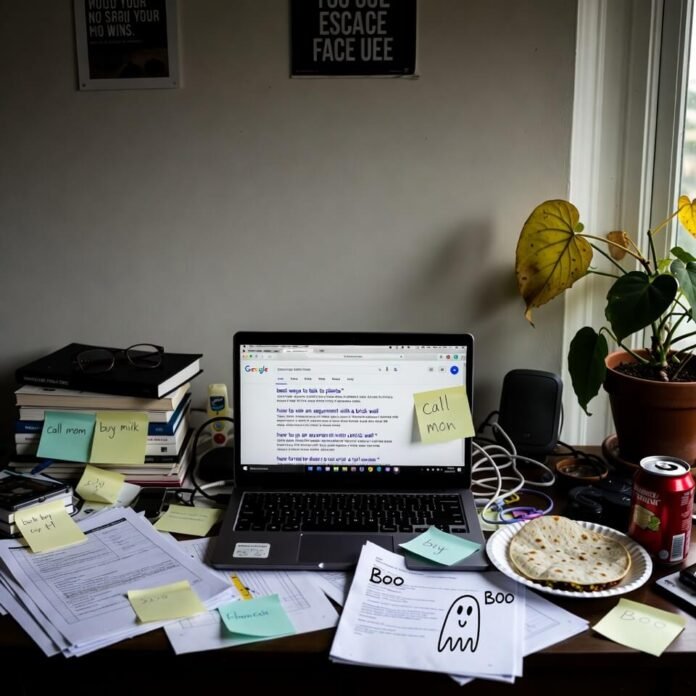
Alright here we go — buckle up because I’m about to spill the 7 hidden Google search tricks that legit make me feel like I have superpowers sometimes and also like a complete dork the rest of the time.
I’m sitting here in my kinda gross apartment outside Philly at like 1:47 a.m. surrounded by LaCroix cans and regret because once again I fell into a Wikipedia rabbit hole at 11 p.m. and now I’m wide awake thinking about hidden Google search tricks. Seriously, these things are stupidly useful and I only discovered like half of them by pure accident while procrastinating real work.
Why I’m Obsessed with These Hidden Google Search Tricks Right Now
Look — I used to just type whatever random crap into Google like a caveman. “best pizza near me”, “why does my cat hate me”, whatever. But then I started noticing how much faster and sharper I could get answers if I just… tweaked the search a tiny bit. It’s embarrassing how long it took me to level up. I literally cheered out loud in a Starbucks once when I finally nailed the exact filetype:pdf trick for a work report everyone else was struggling with. People stared. I don’t care.
Here are the seven hidden Google search tricks I actually use almost every day in 2026. No fluff, just stuff that works.
1. The “site:” Operator — My Go-To for Cutting Through SEO Garbage
If I want real info about something and I’m sick of affiliate blogs telling me to buy $400 juicers, I just slap site:reddit.com or site:nytimes.com or site:gov right at the front.
Example: site:reddit.com best budget noise cancelling headphones under $100
Boom — actual human misery and joy instead of sponsored garbage. I used this last week when I was panic-buying concert tickets and wanted to know if the venue really was as sketchy as people said (spoiler: yes).

2. Quotation Marks for Exact Phrases — Because Google Is Too Helpful Sometimes
Put “exact phrase” in quotes and Google stops trying to be smart and just gives you what you typed.
I was trying to find the lyrics to this one hyper-obscure 90s song my mom used to play and Google kept giving me similar-sounding garbage until I did: “she’s a rainbow in the dark” duran duran wait no
Wait — actually that was “rainbow in the dark” dio — see? Quotes saved me from two hours of hair metal confusion.
3. Minus Sign to Kill Results — My Favorite Petty Move
Hate seeing TikTok links? Add –tiktok.com
Trying to avoid AI-generated slop articles? -site:medium.com -inurl:ai
I literally did -amazon -walmart when shopping for Christmas gifts because I wanted indie makers and not the everything store. Felt powerful. Also slightly unhinged.
4. The Two Periods Trick for Number Ranges
Want laptops between $400 and $800? Just type: laptops $400..$800
I use this constantly for flights (though Google Flights is better now), used cars, salary research, anything with numbers. Saved me so much clicking through filters.

5. Filetype:pdf — The Academic Life Hack I Wish I Knew in College
Need research papers, manuals, textbooks, government reports?
climate change impact filetype:pdf site:*.edu or ikea assembly instructions filetype:pdf
I once found a 47-page PDF manual for a 1998 espresso machine because the company website died years ago. Felt like Indiana Jones but with worse posture.
6. Related: — When You Find One Good Site and Want More Like It
Find a blog you actually like? Copy its URL and do:
related:thatawesomeblog.com
Google spits out similar sites. I used this to find better food blogs after getting tired of the same ten Pinterest-level recipe sites. Game changer.
7. The OR Operator (and Parentheses for Sanity)
Want results for either this OR that?
(vegan OR vegetarian) “comfort food” recipes -tofu
I do this when I’m fighting with my girlfriend about dinner and we’re both cranky. It’s petty but it works.
Anyway yeah those are my current hidden Google search tricks obsession. I know there are more fancy ones with intitle: or cache: or before:2025-01-01 but honestly these seven are the ones I reach for without thinking.
I’m still messy about it — half the time I forget the colon or put the minus in the wrong place and then get mad at Google like it personally betrayed me. But once you start using them you can’t go back to basic searching. It’s like upgrading from dial-up to fiber in your brain.